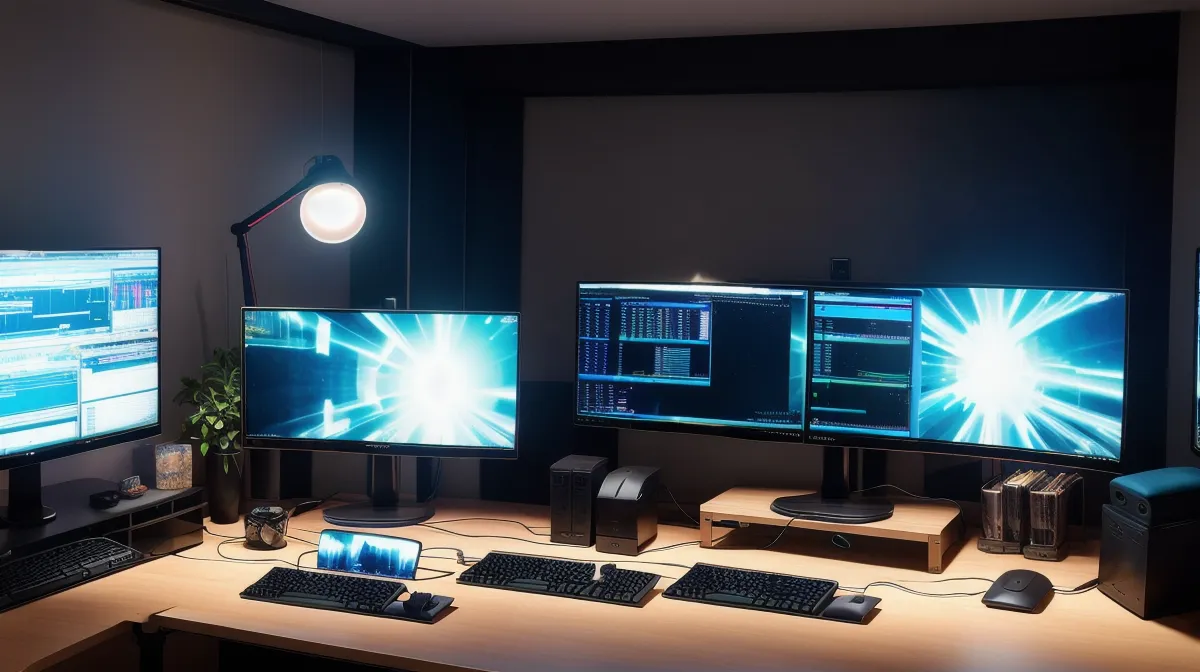
In the hazy slump of mid-afternoon during a brutal sprint deadline, my code editor was tinted muddy sepia and dimmed to near-invisibility. Yet despite the darkness, the dull throbbing behind my eyes remained relentless, proving that dimming pixels wasn't saving my sight.
Quick transparency before we dig into display settings: this site uses affiliate links. If you purchase through these links, I earn a commission at no extra cost to you. I only ever mention eye supplements and desk habits that I have personally tested and tracked in my own logs over the past several months.
Patching the Display Stack (When Software Dimmers Fail)
Like any developer trying to optimize a broken workflow, my first instinct when eye fatigue started derailing my workday was purely technical. I run 3 workstation monitors on heavy-duty monitor arms in my Austin home office. Between a terminal window, a local staging environment, and endless documentation tabs, my eyes are constantly bouncing between light and dark themes. When the headaches started creeping in around mid-afternoon, I did what seemed logical: I installed every software dimmer I could find and set automated sunset color schedules.
That experiment reached its logical breaking point late last winter. I literally cranked my monitor brightness down to zero during a code review, leaving the pull request diff completely illegible while my headache pounded anyway. I was squinting at grey sludge on a black background, straining my facial muscles just to parse variable names, yet the deep ache inside my orbital sockets didn't budge. Dialling down software sliders was essentially like throttling CPU clock speed to fix a memory leak—it treated an output symptom without addressing why the system was crashing.
Standard computer monitors output anywhere between 250 and 350 nits of luminance. When you drop your room lights and crank down your monitor brightness to match, you often create a worse optical problem: loss of contrast. Your pupils have to dilate to compensate for murky text, yet they still take the brunt of targeted photonic exposure. Health organizations and optometrists frequently cite the 20-20-20 guideline intervals—looking at an object 20 feet away for 20 seconds every 20 minutes—to ease asthenopia (the clinical term for eye strain). But during an intense debugging flow, pulling away every twenty minutes feels practically impossible.
Why External Pixels Aren't the Full Equation
It took me months of logging daily screen fatigue scores to realize that my visual bottleneck wasn't just coming from the glass. I started thinking about long-haul truck drivers. Long-haul truck drivers face extreme, rapidly changing ambient light levels and constant ocular fatigue across twelve-hour hauls. They encounter glaring high-beams, flat afternoon sun, and pitch-black highways—conditions where simply slapping a polarizing tint on the windshield isn't enough to prevent chronic strain. Their eyes dry out from cabin airflow and mental vigilance, exhausting ocular reserves from the inside out. Staring at three glowing rectangles all day creates a remarkably similar biological demand.
I caught myself one evening rubbing gritty, bloodshot eyelids under harsh desk lamps while feeling the dull throb behind my orbital bone. My displays were tuned to perfection, with ambient bias light bars mounted behind each panel and gentle amber tints running on every OS layer. Yet my corneas felt like someone had rubbed fine chalk into them. When we stare at complex layouts, our blink rate plummets dramatically. The tear film on the surface of the eye breaks down faster than it can replenish, and the delicate cellular structures behind the lens are left handling prolonged oxidative stress without adequate internal replenishment.
As I detailed when building my developer eye supplement tracking system, treating screen fatigue exclusively through hardware and software is an incomplete patch. To really withstand forty-plus hours of terminal time every week, the biological hardware inside your head needs targeted support.
Taking the Debugging Process Internal
By early spring, I shifted my focus toward internal ocular nourishment. Now, an important caveat: I have zero medical credentials, I'm not an optometrist, and I have no background in ophthalmology—I'm simply a freelance programmer who got sick of ending every productive workday with an ice pack on his forehead. You should always speak with your own eye care professional before introducing any supplement to your daily routine.
After cycling through a few different formulations that either required choking down handfuls of giant pills or produced zero noticeable shift in my afternoon logs, I brought VisiFlora into my routine. What drew my analytical brain to it was how it targets the gut-eye connection rather than just dumping standard amounts of plain vitamins into a capsule. It comes in an easy one-capsule daily dose, which fits neatly next to my morning espresso routine before I boot up the command line.
The product carries a 60-day manufacturer return window, which gave me enough runway to track it across multiple development sprints without feeling locked in. (Current pricing and package structures vary, so it is best to check the vendor's page directly for current figures.) While I previously looked at other options in my comparison of VisiFlora vs TheyaVue, VisiFlora became my primary anchor as natural lighting shifted into late spring.
What Happened After Three Weeks of Adjustments
After about three weeks of adjustments combining calibrated ambient room lighting with daily supplementation, my daily notes began reflecting a subtle but unmistakable shift. The turning point hit right as natural light shifted in late spring, flooding my office with erratic Texas sunbeams that used to trigger instant afternoon headaches.
Instead of hitting that predictable wall of pain, I experienced mid-afternoon clarity returning without that familiar sandpaper scrape across my corneas whenever I shifted between terminals. I no longer had to set my monitors to an absurd, low-contrast sludge just to survive reading documentation. I was able to restore my screens to crisp, comfortable brightness levels where text contrast was razor-sharp, eliminating the squinting reflex entirely.
Over the 14 months I've spent testing and logging supplements, as I wrote in my review on debugging my vision across seven supplements, the goal was never about finding a magical miracle cure that lets me code for 20 hours straight in a dark closet. It was about raising my eyes' operational threshold so normal client workloads wouldn't incapacitate me.
Balancing Display Hardware and Internal Support
Dialling in your workspace is still mandatory. You should measure your room's ambient lux, position your monitors perpendicular to windows, and install subtle bias lighting to eliminate harsh luminance drop-offs. But relying solely on screen dimmers is like turning down the volume on an overheating cooling fan—it hides the noise while the core temperature continues to climb.
If you've optimized your monitor brightness, bought the glasses, and still find yourself squinting through blurry afternoons, consider looking past your software stack. Supporting your eyes from the inside with a solid regimen like VisiFlora might just be the missing dependency your workstation setup has been waiting for.